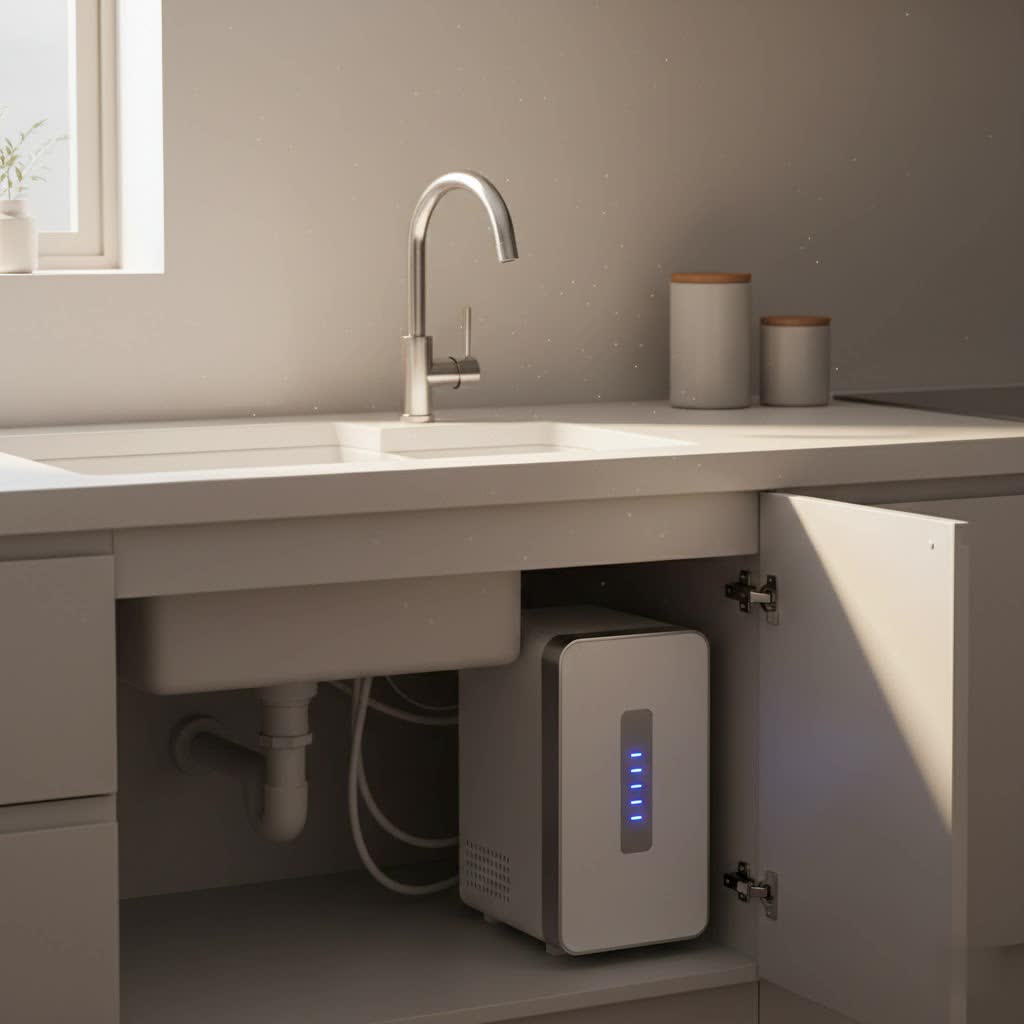
As a seasoned technician with over a decade of hands-on experience in water purification systems, I’ve seen countless machines, from basic models to the most advanced technologies. I understand the intricacies of RO, Nano, UF filtration, water quality standards, and the common issues users face. One of the most frequent concerns homeowners raise revolves around the unassuming, yet critical, filter indicator light on their water purifier. This small light is designed to be your system’s voice, alerting you to vital maintenance needs. But what happens when that voice seems to falter or give conflicting signals? A malfunctioning filter indicator light can lead to confusion and potentially compromise your access to clean, safe drinking water. This guide will help you diagnose if your water purifier’s filter indicator light is truly broken and provide practical steps to address the issue, ensuring your system continues to perform optimally.
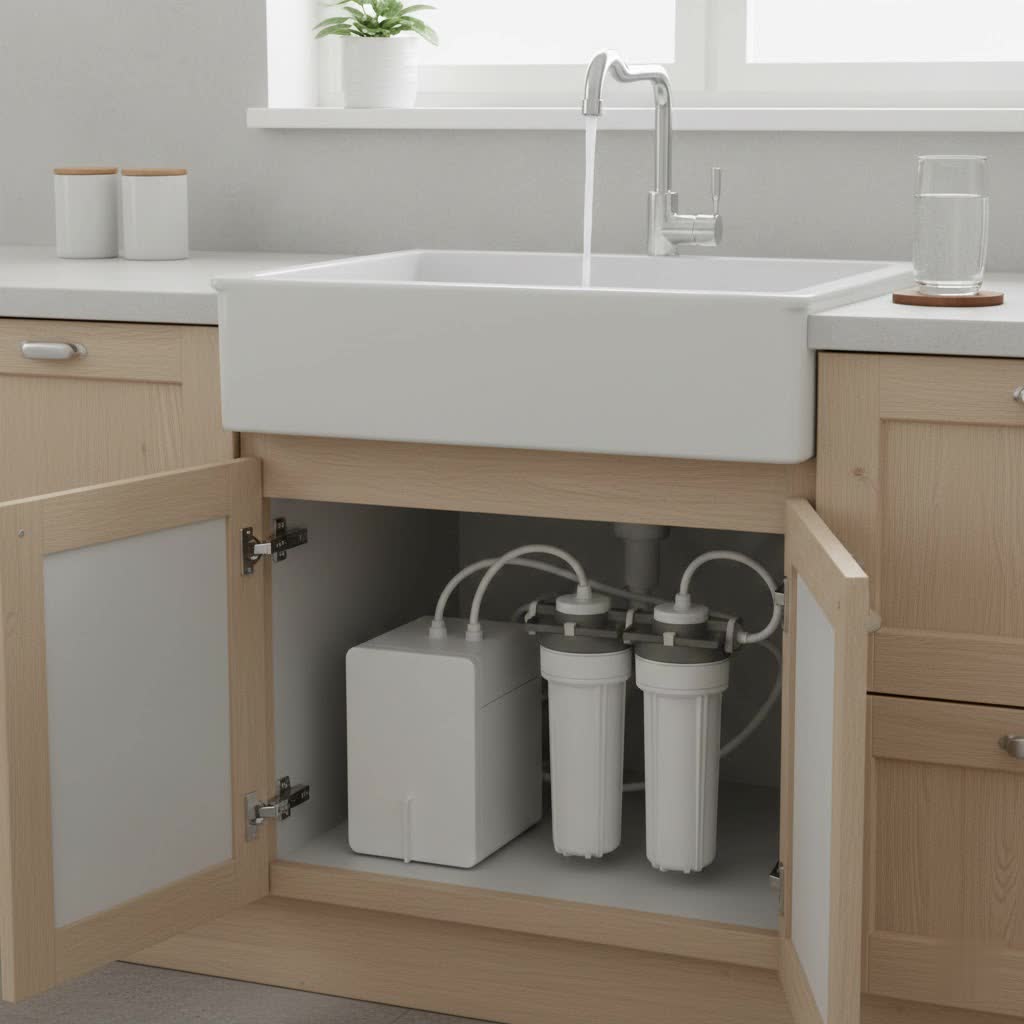
Understanding Your Water Purifier’s Filter Indicator Light
More than just a simple warning, the filter indicator light on your water purifier is an essential component that helps maintain the efficiency and safety of your drinking water. It serves as a reminder, often signifying that it’s time for a filter replacement, ensuring your system continues to remove contaminants effectively. Ignoring this signal can lead to a decline in water quality and potentially costly damage to your water purifier over time.
How Water Purifier Filter Lights Operate
Table is empty.Water purifier filter lights typically operate in one of two ways: timer-based or sensor-based systems. Timer-based systems are the most common; they are programmed to illuminate or change color after a specific period, usually 6 to 12 months, regardless of actual water usage. This is a general guideline, prompting you to replace filters based on average lifespan. Sensor-based systems, conversely, are more sophisticated. They monitor water flow, pressure, or even water quality parameters to determine the actual exhaustion of the filter, providing a more precise indication of when a change is needed. Some advanced water purifiers might even use RFID technology to detect filter authenticity and usage.
Interpreting the Signals: What Do the Colors and Blinks Mean?
The interpretation of the indicator light varies by water purifier brand and model, but there are common patterns. A green or blue light typically indicates normal operation and good filter life. A yellow or orange light might suggest a filter is nearing its end-of-life and requires attention soon. The most critical signal is often a red or blinking light, which almost universally signifies that a filter change is overdue or that there is an urgent system issue. Understanding these common signals is the first step in effective water purifier maintenance.
Is Your Filter Light Truly Broken? Common Symptoms and Misconceptions
Before you assume the worst, it’s important to differentiate between a genuinely broken indicator light and a common operational quirk or misunderstanding. Many users mistakenly believe their light is faulty when it’s simply behaving according to design or due to an oversight in maintenance.
The Light Stays On After a New Filter Installation
This is perhaps the most frequent scenario leading people to believe their water purifier’s indicator light is broken. In the vast majority of cases, the light stays on because it hasn’t been manually reset after a new filter has been installed. Most timer-based systems require a specific action, such as pressing and holding a reset button, to clear the old filter cycle and initiate a new one. Without this reset, the system continues to count down from the previous filter’s lifespan, keeping the warning light illuminated.
The Light Never Illuminates
If your filter indicator light never comes on, even when it’s clearly time for a filter change or when you first power on the water purifier, it could signal a genuine malfunction. This could range from a simple power connectivity issue to a more complex problem with the LED bulb, its wiring, or the control board responsible for the indicator function. A completely unresponsive light means you lose a crucial visual cue for filter maintenance, potentially leading to overdue filter changes and compromised water quality.
Inconsistent or Erratic Light Behavior
Sometimes, the filter light might behave erratically – blinking randomly, flickering, or changing colors unexpectedly without any apparent reason. This inconsistent behavior can be incredibly confusing and usually points towards an electrical issue. Loose connections, a faulty sensor (if applicable), or even minor power fluctuations can cause the indicator light to behave erratically, making it difficult to trust its readings.
No Light, But Poor Water Quality
While the indicator light is primarily for filter reminders, a completely dark light coupled with a noticeable decline in your water quality (e.g., changes in taste, odor, or flow rate) suggests a serious issue that bypasses the light’s functionality. This could mean your filters are severely clogged, or there’s another underlying problem with the water purifier that the indicator system isn’t registering, potentially due to a fault in the light itself or the sensors feeding it information.
Distinguishing a Malfunction from Normal Operation
It’s crucial to consult your water purifier’s user manual to understand its specific light patterns. What might seem like a malfunction could be a normal indicator for a different system status, such as low water pressure or a full storage tank. Many systems have multiple indicators for various operational states. A careful read of the manual can often clarify if the behavior is normal or genuinely problematic.
Step-by-Step Guide: Diagnosing a Faulty Water Purifier Filter Indicator
When your water purifier’s filter light isn’t behaving as expected, a systematic approach to troubleshooting can help pinpoint the problem. As an expert in this field, I recommend starting with the simplest solutions before moving to more complex diagnostics.
Initial Checks: Power and Connections
The first step in any electrical troubleshooting is to ensure the device is receiving adequate power and that all connections are secure.
- Verify Power Supply to the Water Purifier: Check if the water purifier is properly plugged into a functional power outlet. Sometimes, a loose plug or a tripped circuit breaker can cause issues not just with the filter light but with the entire unit. Unplug the unit, wait a few seconds, and plug it back in firmly to perform a hard reset on the system’s electronics.
- Inspect Wiring to the Indicator Light/LED Board: If you are comfortable and it’s safe to do so (always unplug the unit first!), gently open the outer casing of your water purifier to visually inspect the wiring leading to the filter indicator light or its LED board. Look for any loose, corroded, or visibly damaged wires. A gentle push to ensure all connectors are snug can sometimes resolve the issue.
The Crucial Reset: Your First Line of Defense
As highlighted earlier, an un-reset light is often mistaken for a broken one. Performing the correct reset procedure is paramount.
- Locating and Using the Reset Button (Standard and Model-Specific Methods): Most water purifiers have a dedicated “Filter Reset” button. This button is often labeled and may need to be pressed and held for a specific duration, typically between 3 to 15 seconds. For some models, especially refrigerators with built-in water dispensers, you might need to press a combination of buttons (e.g., “Light” and “Ice Type”) simultaneously. Always refer to your water purifier’s user manual for the exact reset procedure for your specific model.
- Common Reset Mistakes to Avoid:
- Not holding long enough: A quick press usually won’t work. Ensure you hold the button down for the full recommended duration.
- Holding too long: Conversely, holding the button down for an excessive amount of time (e.g., more than 15-20 seconds) can sometimes prevent the reset from registering or even trigger a different system function.
- Incorrect timing: Some purifiers require the filter to be changed before the reset.
Filter Integrity: Installation and Condition
Even if the light is faulty, the condition of your filter is critical for water quality. These checks can also sometimes reveal why a sensor-based light might not be working.
- Ensuring Correct Filter Installation and Seating: An improperly installed filter cartridge can lead to poor water flow, leakage, or prevent sensor-based systems from recognizing the new filter. Remove the filter and re-install it carefully, ensuring it’s seated firmly and correctly according to the manufacturer’s instructions. Listen for a “snap” or feel a secure fit.
- Checking for Clogged or Damaged Filters: While the indicator light usually signals this, a severely clogged filter can impact system performance and potentially interfere with flow sensors, indirectly affecting the light. Visually inspect filters for excessive discoloration or damage.
- Examining O-Rings and Seals: Worn, cracked, or improperly seated O-rings or gaskets around the filter housing can cause minor leaks and affect water pressure, which might, in turn, influence sensor readings or even cause electrical shorts near the light’s circuitry. Replace any compromised seals.
Water Flow and Air Issues
These issues primarily affect the performance of your water purifier but can also indirectly cause a sensor-based filter light to behave erratically.
- Checking for Water Line Clogs or Kinks: Restricted water flow due to clogged sediment or kinked water lines can affect the pressure sensors some water purifiers use to monitor filter life. Ensure all water lines are clear and free of obstructions.
- Addressing Air Locks in the System: Air trapped within the water lines or filter housing (an “airlock”) can disrupt water flow and pressure, leading to false readings from sensors or simply preventing water from reaching the filters effectively. Purging the system by running water through the dispenser for a few minutes can often resolve airlocks.
Consulting Your Water Purifier’s User Manual
The user manual is an invaluable resource that is often overlooked.
- Why the Manual is Your Best Resource: It contains model-specific information, including detailed troubleshooting guides, reset instructions, and explanations of what various indicator lights mean. Keep it handy!
- Looking for Specific Troubleshooting Sections: Many manuals have dedicated sections for “Troubleshooting” or “FAQs” that directly address common issues like filter light malfunctions.
Advanced Troubleshooting for Water Purifier Professionals (or When to Call One)
If the basic troubleshooting steps haven’t resolved the issue, the problem might lie deeper within the water purifier’s internal electronics. At this point, unless you possess advanced technical skills, it’s often best to seek professional help.
- Testing the Control Board and Sensors: Modern water purifiers are equipped with sophisticated control boards that manage all functions, including the filter indicator light. A fault in this board or in the sensors that feed it data (e.g., flow sensors, pressure sensors) can lead to a broken indicator light. Diagnosing these components requires specialized tools and expertise.
- Diagnosing SMPS (Switched-Mode Power Supply) Issues: The SMPS provides the necessary power to the internal components, including the LED indicator. If the SMPS is failing or providing unstable voltage, the indicator light might flicker, remain off, or behave erratically. Checking SMPS output requires a multimeter and electrical safety knowledge.
- When to Seek Expert Assistance: If you’ve tried all the basic troubleshooting steps without success, or if you suspect an internal electrical component is at fault, it’s time to call a certified water purifier technician. Attempting repairs beyond your skill level can void warranties, cause further damage, or, more importantly, pose electrical hazards. Professionals can accurately diagnose the problem and replace faulty parts safely and efficiently.
Proactive Measures: Maintaining Your Water Purifier’s Indicator System
A little proactive maintenance can go a long way in ensuring your water purifier, and its indicator light, functions flawlessly for years.
- Regular Filter Replacement Schedules: Adhere strictly to the manufacturer’s recommended filter replacement schedule, typically every 6-12 months. Even if your light hasn’t come on (and you suspect it’s faulty), changing filters regularly based on a calendar reminder ensures you’re always consuming purified water.
- Routine System Checks and Cleaning: Periodically inspect your water purifier for any visible signs of wear, leaks, or loose connections. Keep the exterior clean, and ensure there’s no dust or debris obstructing air vents or buttons.
- Understanding Your Purifier’s Features: Take the time to fully understand all the functions and indicators of your specific water purifier model. The more you know about its normal operation, the quicker you’ll be able to identify an actual problem.
Conclusion
A functioning filter indicator light is more than just a convenience; it’s a vital tool for maintaining the health and longevity of your water purifier, and most importantly, for safeguarding your family’s access to clean drinking water. While it can be frustrating when this small light seems broken, many issues can be resolved with simple checks and resets. By understanding how these lights work, recognizing common symptoms, and following a systematic troubleshooting approach, you can often diagnose and fix the problem yourself. Remember, if the issue persists or if you’re uncomfortable performing internal checks, don’t hesitate to reach out to a professional water purifier service. Prioritizing consistent maintenance and prompt troubleshooting ensures your water purifier remains a reliable source of pure, refreshing water. When was the last time you truly paid attention to your water purifier’s silent signals?
Frequently Asked Questions
Why does my water purifier’s filter light blink red even after I changed the filter?
A red blinking light after a filter change almost always means the system hasn’t been reset. Most water purifiers require you to manually press and hold a reset button for several seconds (e.g., 3-15 seconds) to clear the filter change reminder. Refer to your user manual for the exact procedure for your specific model.
How often should I reset my water purifier filter indicator?
You should only reset your water purifier filter indicator immediately after changing the filter. The indicator is typically tied to the filter’s lifespan (time or usage) and resetting it prematurely would lead to inaccurate reminders for future filter replacements.
Can a broken filter indicator light affect water quality?
A broken filter indicator light itself does not directly affect water quality. However, if the light fails to alert you when a filter change is due, and you neglect to replace the filters on time, then yes, the quality of your purified water will degrade over time as the filters become saturated and lose their effectiveness.
What if my water purifier has no filter indicator light?
Many basic water purifiers or older models do not feature an indicator light. In such cases, it is crucial to keep a manual record of when you last changed your filters and adhere strictly to the manufacturer’s recommended replacement schedule (e.g., every 6 or 12 months) to ensure optimal water purification.
Is it normal for the filter light to change colors?
Yes, it is often normal for a Water Purifier’s filter light to change colors. Typically, green or blue indicates a good filter, yellow or orange suggests an upcoming change, and red signals an immediate need for replacement. These color changes are designed to give you progressive warnings about your filter’s status.
Can I fix a broken filter indicator light myself?
You can perform basic troubleshooting steps like checking power connections, ensuring correct filter installation, and attempting a system reset. However, if the issue stems from internal electrical components like the LED board, control panel, or sensors, it is highly recommended to consult a professional technician to avoid further damage or safety hazards.